Smart Laptop Buying Guide for Ghanaian Students on a Budget
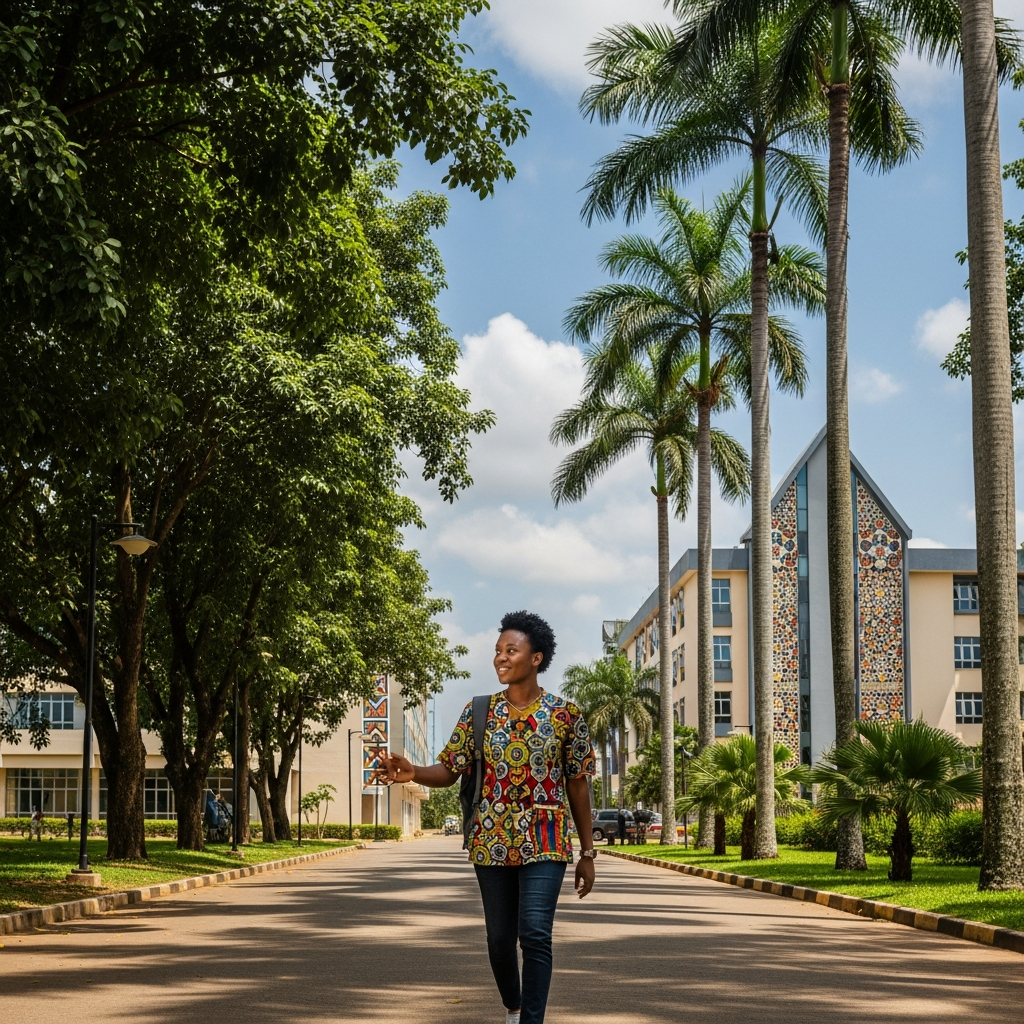
The fluorescent lights of the reading room hummed, casting a pale glow on Ama's face as she wrestled with her aging laptop. The screen flickered, the fan whirred like a trotro engine on a steep hill, and every click brought a 'Not Responding' message, mocking her late-night efforts to finish her presentation. She dreamt of a smooth, fast machine that wouldn't crash midway through her project, but the thought of the price tag in cedis always brought her back to reality. If this sounds like you, then this laptop buying guide for Ghana students on a budget is exactly what you need!
Getting a reliable laptop as a student in Ghana doesn't have to break your bank or your spirit. Whether you're in Accra, Kumasi, or Tamale, the right approach can help you snag a great deal. Let’s dive in and make that dream machine a reality without emptying your MTN MoMo wallet.
Setting Your Budget: How Much is Enough?
Before you even start browsing, you need a clear budget. How many cedis are you willing and able to spend? Be realistic. While a brand-new MacBook Pro might be the dream, a sturdy machine that handles your coursework, research, and a bit of streaming is perfectly achievable on a student budget. Consider:
- Your savings: Have you been saving up from holiday jobs or allowances?
- Family contributions: Are relatives chipping in?
- Payment plans: Some local shops or banks might offer installment options, but be wary of high interest rates.
For most Ghanaian students, a budget between GHS 2,500 and GHS 5,000 can get you a decent used or entry-level new laptop. Pushing closer to GHS 6,000-8,000 opens up more powerful new options. Anything less than GHS 2,000 might mean compromising too much on performance or longevity.
Essential Specs for Ghanaian Students on a Budget

When you’re trying to stretch every cedi, understanding what matters most in a laptop’s specifications is crucial. Forget the fancy marketing and focus on these core components:
1. Processor (CPU): The Brain of Your Machine
Think of the processor as the engine of your laptop. For everyday student tasks like browsing, typing essays, and basic presentations, you don't need the fastest chip on the market.
- Good enough: Intel Core i3 (10th generation or newer) or AMD Ryzen 3 (4000 series or newer). These will handle your basic workload without too much lag.
- Better: Intel Core i5 or AMD Ryzen 5. If your budget allows, these offer a significant boost in speed, especially for light photo editing or multiple applications running simultaneously.
2. RAM (Random Access Memory): Keeping Things Smooth
RAM is where your computer temporarily stores data that it's actively using. It's like your desk space – the more space you have, the more books and papers you can spread out and work on at once.
- Minimum (but requires careful management): 4GB. If you go this route, be prepared to close unnecessary browser tabs (especially those video sites!), shut down apps you're not using, and restart your computer regularly to free up memory. This is where getting more use out of your existing RAM becomes vital.
- Recommended: 8GB. This is the sweet spot for most students, allowing you to juggle multiple applications, research with many tabs open, and work on more demanding software without constant slowdowns.
3. Storage (SSD vs. HDD): Speed is Key!
This is perhaps the most critical upgrade you can make for speed, even on a budget.
- SSD (Solid State Drive): Your laptop will boot up in seconds, applications will open almost instantly, and files will transfer much faster. Even a smaller SSD (like 128GB or 256GB) coupled with external storage or cloud services like Google Drive or Microsoft OneDrive is far superior to a large HDD.
- HDD (Hard Disk Drive): Avoid these if possible. They are slower, noisier, and more prone to damage. If you must get one, make sure it’s paired with a small SSD for the operating system.
4. Screen Size & Portability: Find Your Balance
Are you always on the move, jumping between lectures and the library? A lighter, more compact 13-inch or 14-inch laptop might be best. If your laptop mostly stays on your desk at home, a 15-inch screen offers more viewing comfort.
5. Battery Life: Essential for Ghanaian Realities
Let's be real, dumsor is a part of life sometimes, and even without it, power outlets aren't always available on campus. Look for a laptop with at least 6-8 hours of battery life on a single charge. This can be a lifesaver during long study sessions or when you're caught without power.
Where to Find Your Budget Laptop in Ghana

Now that you know what to look for, where do you start your hunt for a laptop buying guide for Ghana students on a budget deal?
- Reputable Tech Shops: Visit popular tech hubs in Accra like Circle (around Kwame Nkrumah Interchange) or reliable stores in Kumasi's Adum or Tamale's central market. Always buy from shops that offer a warranty.
- Online Marketplaces: Jumia Ghana or other local e-commerce sites can have good deals, but be sure to check seller reviews and return policies carefully.
- Refurbished Laptops: Don't shy away from refurbished machines from trusted sellers. Often, these are business-grade laptops returned after leases, thoroughly checked, and offered at a fraction of the original price. They are usually more durable than entry-level consumer models.
- University Bulletin Boards/Groups: Sometimes final-year students sell their laptops, offering good value. Just make sure to thoroughly inspect the machine before parting with your cedis.
Smart Shopping Tips
- Compare Prices: Don't jump on the first deal you see. Check multiple shops and online platforms.
- Negotiate: Especially in local markets, a bit of friendly negotiation can save you some cedis.
- Check Warranty: Always ask about the warranty – how long, what it covers, and where to claim it locally.
- Test Before You Buy: If buying in person, turn it on, check all ports, keyboard, trackpad, and screen for dead pixels. If buying online, understand the return policy.
- Software: Many budget laptops come without Microsoft Office. Factor in the cost of a student license or consider free alternatives like Google Docs or LibreOffice.
Finding the perfect laptop on a student budget in Ghana is absolutely doable. With a clear understanding of your needs, a smart approach to specs, and a bit of savvy shopping, you'll soon have a reliable companion to power you through your studies. No more Ama-style laptop struggles for you! Get out there, be confident, and secure that essential tool for your academic journey. You've got this!